

Mac vs Windows in Sri Lanka: The Real Pros and Cons for Students
Mac vs Windows for Sri Lankan students explained with real prices, software needs, and local buying advice to help you choose the right laptop.
5 min read
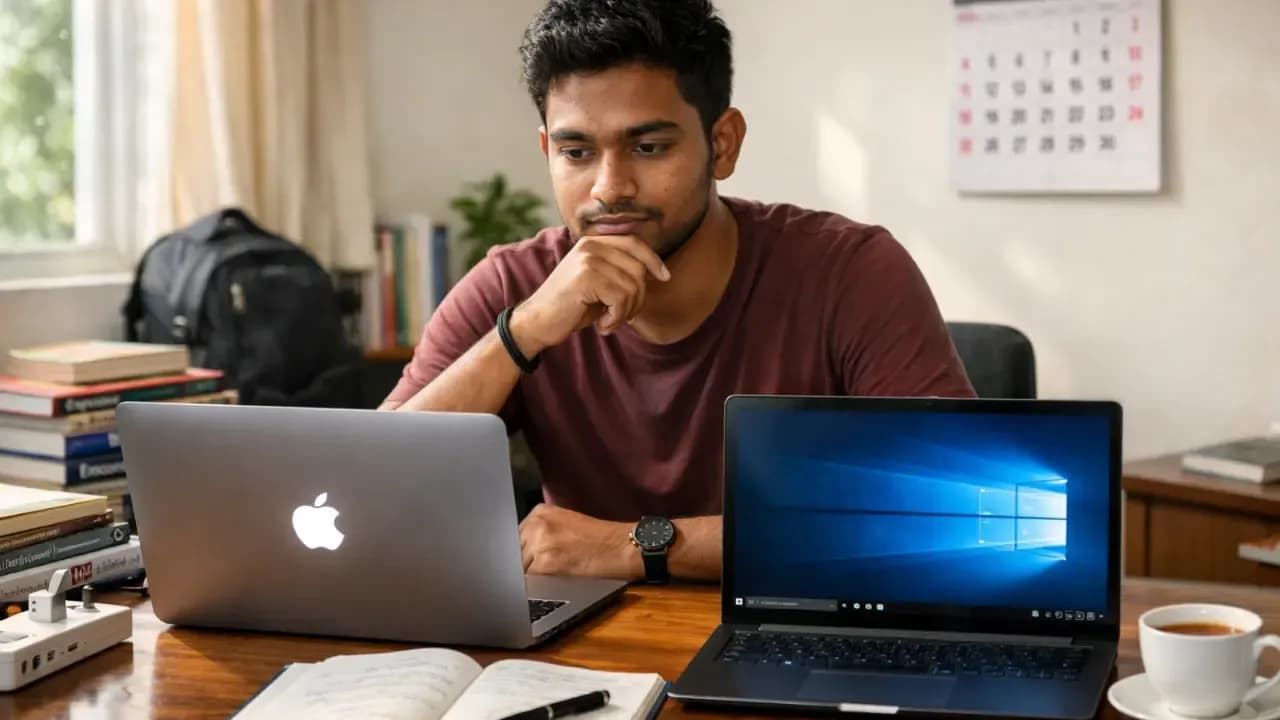
Choosing between a Mac and a Windows laptop is one of the hardest decisions Sri Lankan students face today. Prices keep rising with every USD change, software needs are different at every university, and grey-import models make the buying process even more stressful. If you’re about to spend your savings, your parents’ savings, or a bank loan, you want to be sure you’re buying the right machine the first time.
This guide breaks down , using local prices, local climate issues, and real student experiences.
The Price Problem: What You Actually Get for Your Money in Sri Lanka
Apple laptops are premium everywhere, but in Sri Lanka the gap feels even bigger. Import taxes, VAT, and USD/LKR volatility push MacBook prices much higher than comparable Windows models. As of early 2026, the exchange rate is around Rs. 295–300 per dollar, and every small jump affects Apple pricing immediately.
A brand-new MacBook Air M4 sits around Rs. 306,000–328,000 for the 13-inch model, while the 15-inch version moves closer to Rs. 360,000–380,000. The newer MacBook Pro M5 easily crosses Rs. 530,000 and can reach past Rs. 600,000 depending on configuration.
In comparison, Windows laptops cover a much wider range. Models like the HP 15 i5, Asus Vivobook i7, or Lenovo Slim 3 i7 range between Rs. 195,000–279,000. For the same Rs. 300,000 you spend on a basic MacBook Air, you often get a Windows laptop with 16GB RAM + 512GB SSD, and sometimes even a dedicated GPU.
Local Truth: You get better specs per rupee with Windows. Macs deliver smoother performance but at a noticeably higher cost for Sri Lankan buyers.
Grey imports widen this gap further. Older Mac models, such as the M1 and M2 Air, often appear 20–30% cheaper on ikman.lk, but most offer shop-only warranties. That means no Apple support, no part guarantees, and longer repair times.
Before you choose, always check:
Software Compatibility: What Your Degree Actually Needs
This is where many Sri Lankan students regret buying a Mac. Your laptop must match your university requirements, and many course-specific tools still work best, or only on Windows.
Works Well on Both:
Better on Windows (and usually required by Sri Lankan universities):
This is the main reason SLIIT, NSBM, Mora, and other engineering/IT faculties quietly recommend Windows, even if they don’t say it openly.
Students who bought Macs for coding often discover the reality later: → Parallels or Windows emulation is possible, but it slows things down. → Some engineering tools don’t run smoothly on Macs, even with workarounds.
Local Truth: If your degree involves CAD, 3D modelling, or engineering software, choose Windows. Macs are great for design and general studies, but they struggle with specialized tools.
Real-Life Performance in Sri Lankan Conditions
Sri Lanka’s climate creates a unique challenge for laptops. With temperatures around 30–35°C and humidity hitting 80–90%, many models, especially cheaper Windows units, run hot quickly.
MacBooks perform well for everyday student tasks:
M-series chips are efficient. They offer 14–17 hours of battery life, which is a big advantage during power cuts.
Windows laptops offer more power flexibility:
But they often run warmer. Budget and mid-range models from HP, Dell, and Lenovo frequently hit 60–70°C during multitasking in humid conditions. Every Sri Lankan student has heard fan noise during Zoom calls, it’s almost expected.
Repair Reality:
- 2–4 weeks because parts come from overseas.
- 1–3 days and many technicians island-wide can fix them.
If your budget is tight and you can’t afford expensive repairs, a Windows laptop is usually safer.
Battery Life, Longevity, and Resale Value
When it comes to battery life, Macs are the clear winner. A MacBook Air can last an entire day on a single charge. Windows laptops vary widely, some offer 10 hours, many hover around 6–8 hours.
Longevity is similar if you buy from a trusted brand, but resale value is where Macs shine.
Resale Value (3 Years Later):
- 50–70% of value
- 30–50%, depending on brand and build quality
If you plan to resell after university, a MacBook helps protect long-term value.
The Real Decision Guide for Sri Lankan Students
Choosing between a Mac and a Windows laptop becomes much easier when you match the device to your course, budget, and daily workload. Sri Lankan students have unique needs shaped by our climate, software requirements, and rising prices. Use this simple guide to pick the laptop that actually fits your studies, not just the trend.
Choose a Mac if you:
Choose Windows if you:
Check-Before-You-Buy Checklist
Before you spend a large amount on a new laptop, take a moment to check a few essentials that matter specifically in Sri Lanka. These points help you avoid grey imports, fake parts, and models that won’t last in our heat and humidity. A quick checklist today can save you expensive repairs and major regrets later.
Sri Lanka–Specific Checklist
- Warranty: Confirm whether it’s official Apple, Dell, HP, or a shop-only guarantee.
- RAM: Check if it’s 8GB or 16GB, and whether it can be upgraded later.
- Storage: Make sure it’s a genuine SSD, not a downgraded grey-import part.
- Software: Match your degree requirements before paying.
- Cooling: Read real thermal reviews, our climate exposes weak cooling quickly.
Local Truth: If you’re ever unsure, choose the laptop that supports your course software and has a proper warranty. Those two things matter more than brand names.